 SubTracker
What do you spend on subscriptions?
Almost nobody knows it by heart. You find out when you see them all together: subscriptions, instalments and financing in one place, without connecting your bank.
Most people find out what they spend only when they see it all together.
A tour of the screens
Every screen is taken from the app.
The month at a glance
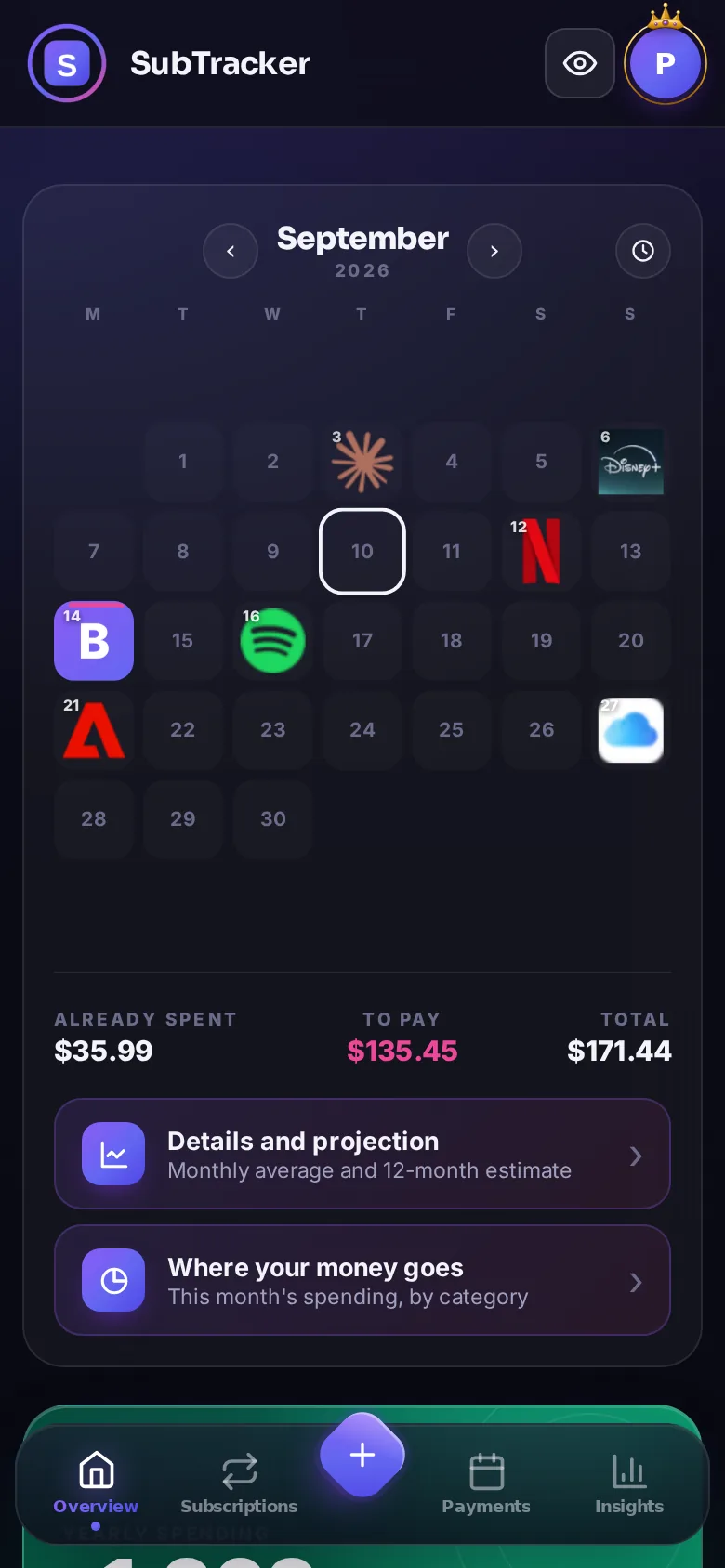
The month is a calendar: every payment falls on its own day, with the service's own mark. One tap opens the detail, the arrows move between months, and the dial arranges the same cells in a circle.
Every subscription in its place
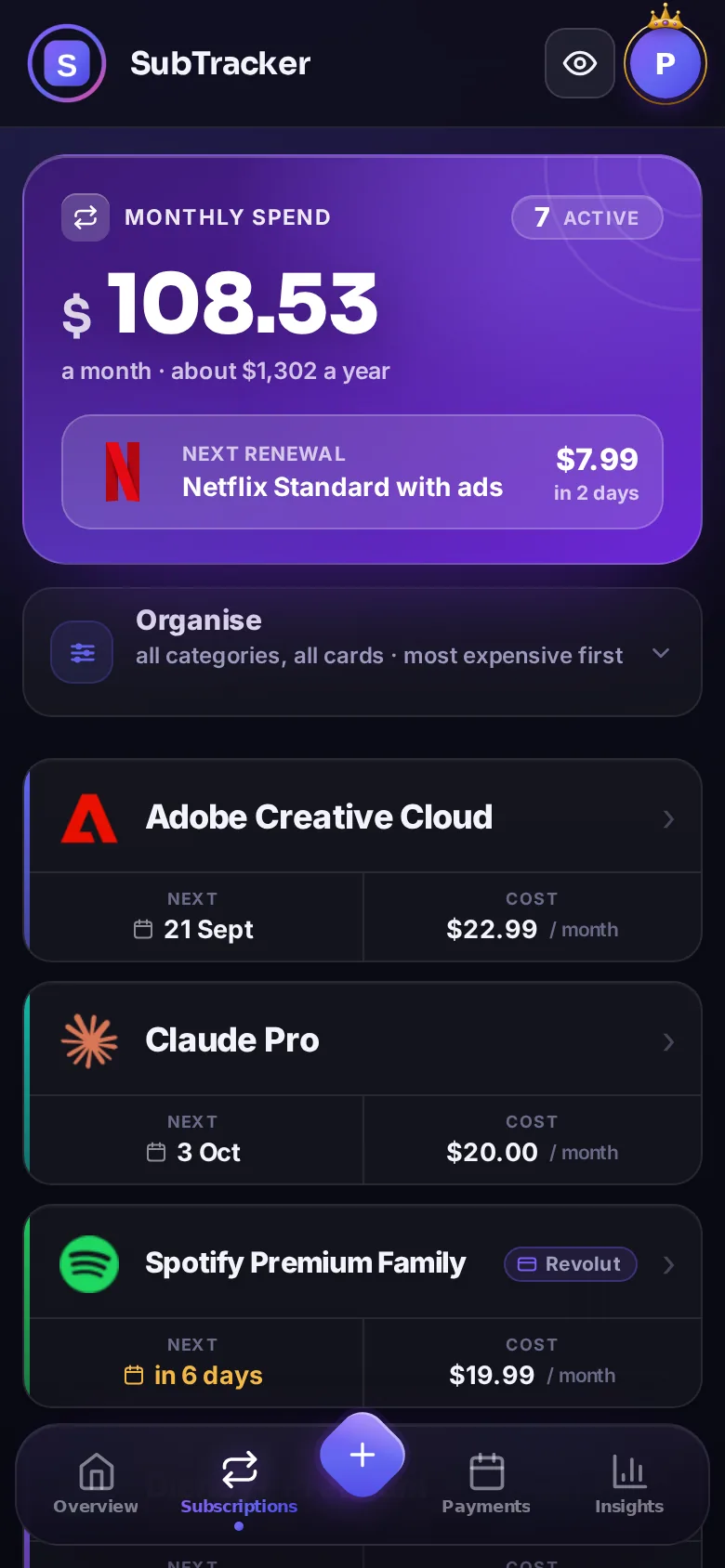
Monthly spend, next renewal and estimated yearly cost. Filter by category, sort by price or date, group them: you find what you are after right away.
Instalments, no surprises
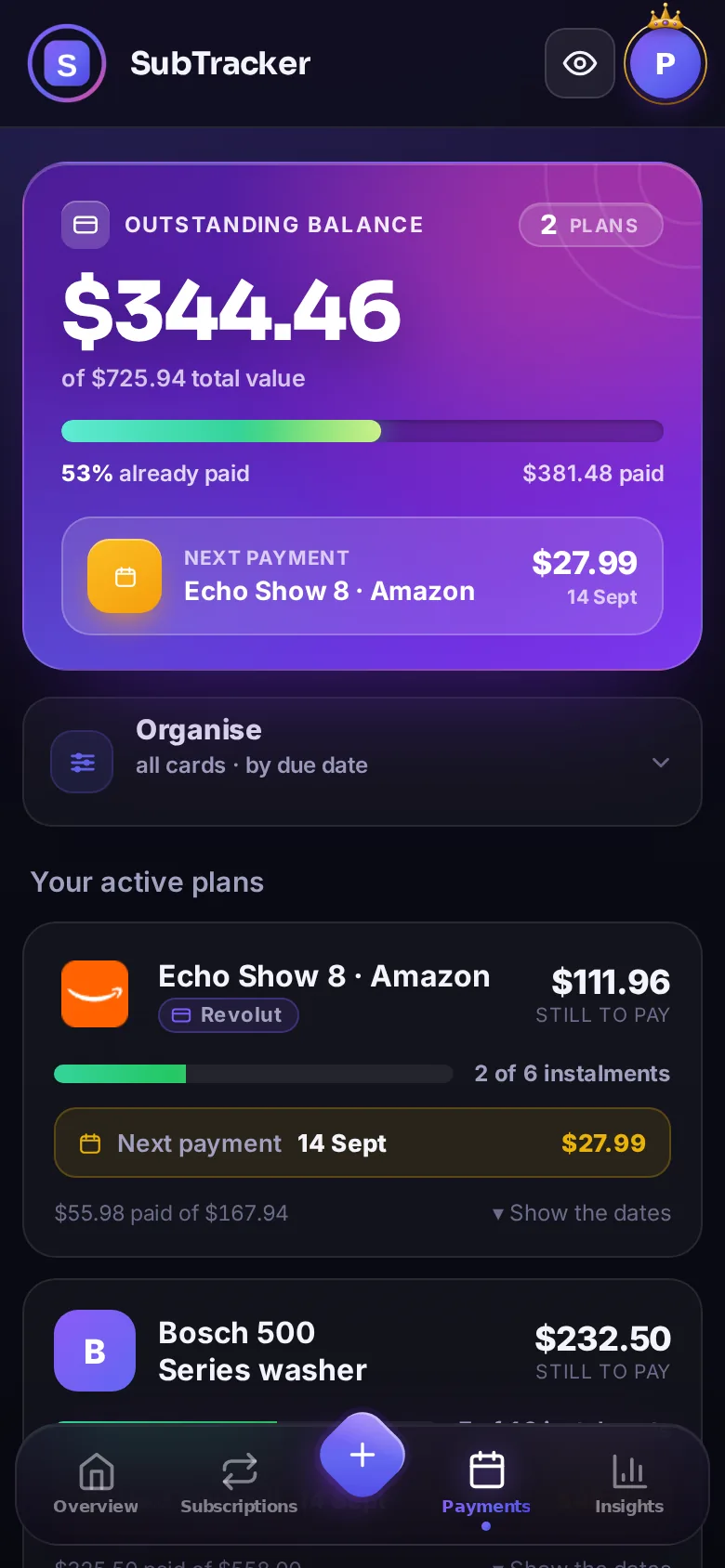
iPhone in instalments, PayPal in 3, Klarna, Amazon: SubTracker keeps track of what you have paid and what is left, plan by plan, with the next due date always in sight.
See where the money goes
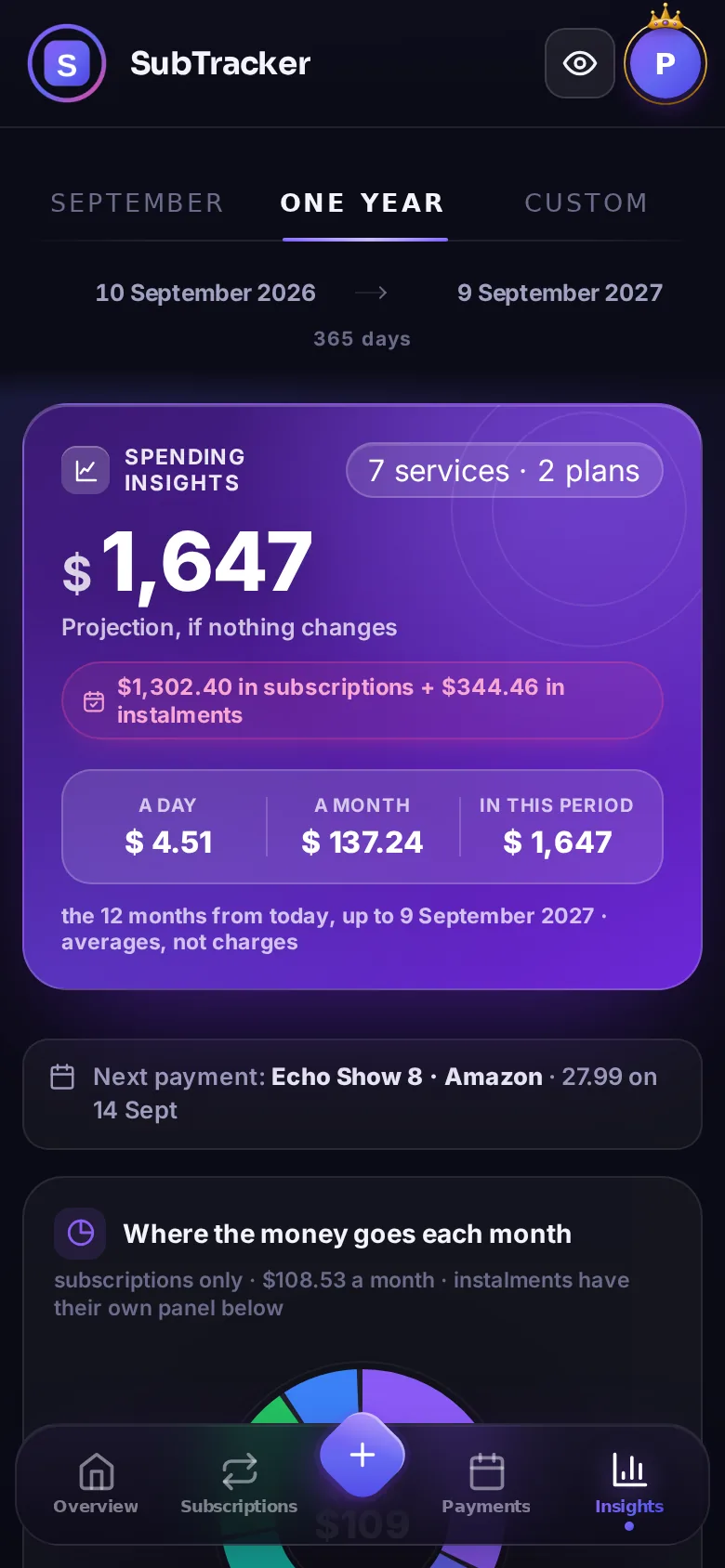
Your commitment over the next 12 months, the breakdown by category and a 6-month projection. Plus savings tips worked out on your own numbers: yearly plans that pay off, duplicates to cut, instalments about to end.
It knows the services you actually use
Netflix, Spotify, Disney+, gyms, mobile plans: SubTracker already knows the most common services. Pick yours and the name, logo and price fill themselves in. And since it knows the price lists, it can tell you when another plan is worth it.
 ChatGPT PlusN
 Kindle UnlimitedD
A real person, right inside the app
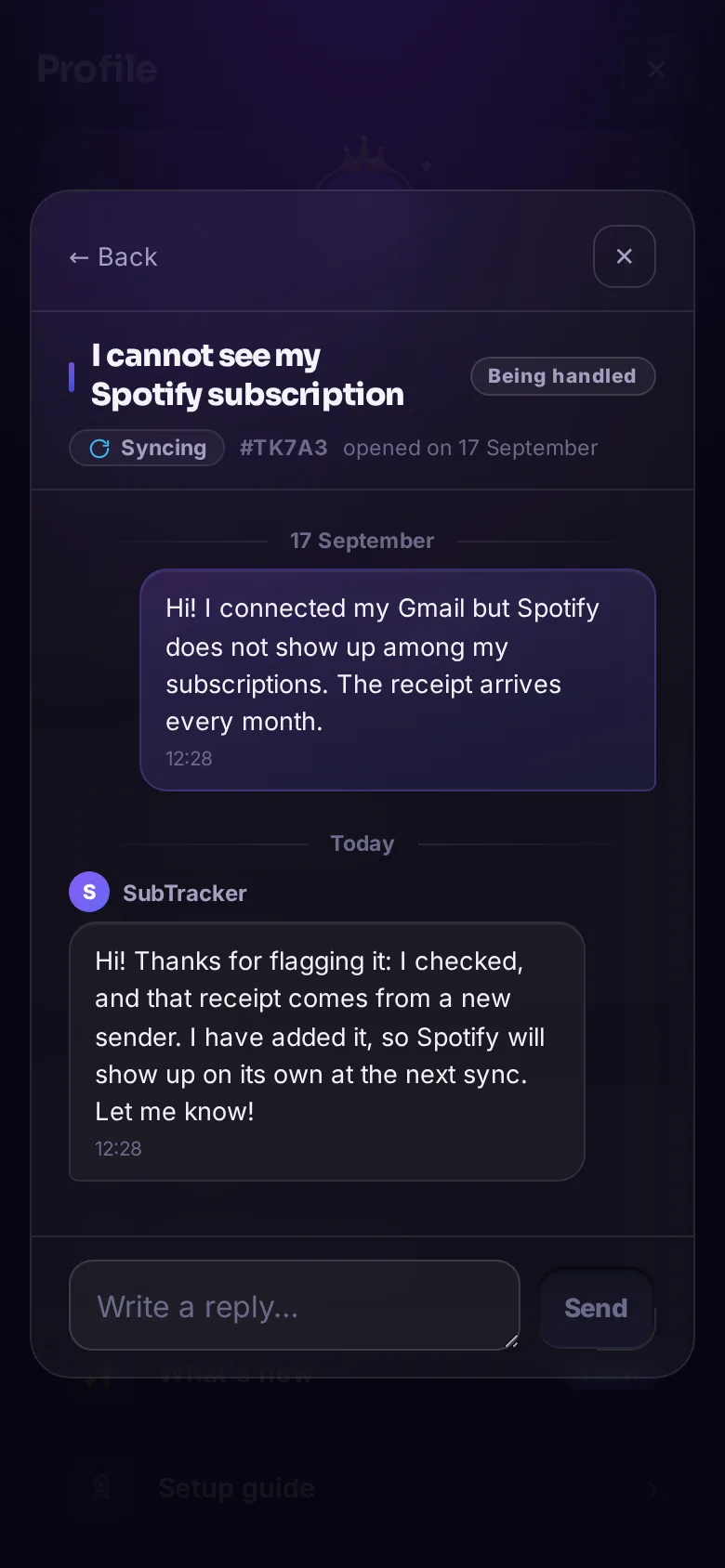
SubTracker is an independent project, built in Italy: there is no call centre behind support, there are the people building the app. No bots and no emails going missing: open a request from your profile, pick the topic and we answer in the same conversation, like a chat.
Free forever. Pro if you want more.
The free plan never expires and never costs anything: unlimited subscriptions and instalments, with one mailbox connected. Pro adds more mailboxes, the insights and the full SubTracker on your computer, only if you feel like it.
You turn it on inside the app: payment is handled by Google Play or the App Store, and you cancel in one tap.
Your mail stays yours
You connect Gmail or Outlook with your account sign-in, or iCloud, Yahoo and the others with an app password (IMAP). From there SubTracker downloads only emails from shops, services and payments, read-only, and has them read by an artificial intelligence that does not use them for training. The text does not stay on our servers. No bank, no data sold on. You can disconnect everything whenever you like, and delete your account in one tap.
Ready in two minutes
Get the app
On Google Play and the App Store. An email address is all it takes to sign up.
Follow the guided setup
On first launch the app asks where to start: from email, by connecting a mailbox and tapping Sync, or by hand, ticking the services you have from the catalogue.
Everything under control
Monthly total, upcoming renewals and instalments: no more surprises on your statement.
Questions
The nine everyone asks, answered in full.
Does SubTracker connect to my bank?
Does it track instalments and financing too?
What does SubTracker read in my mailbox?
Does the free plan expire?
How much does Pro cost?
How is it different from other subscription apps?
Is it an Italian app?
Does it work on iPhone, on Android and on a computer?
Can I use it on a computer without installing anything?
Take back control
of your subscriptions.
Free, in two minutes. No credit card and no bank.

